
Practical guide / 3D production
Measure and snap in Blender for free with GridSnap Free
A model can look perfectly aligned in Blender and still be unsuitable for manufacturing or integration into another project. GridSnap Free adds practical measurement and alignment tools, but understanding its limits will help you decide whether you need the paid edition.
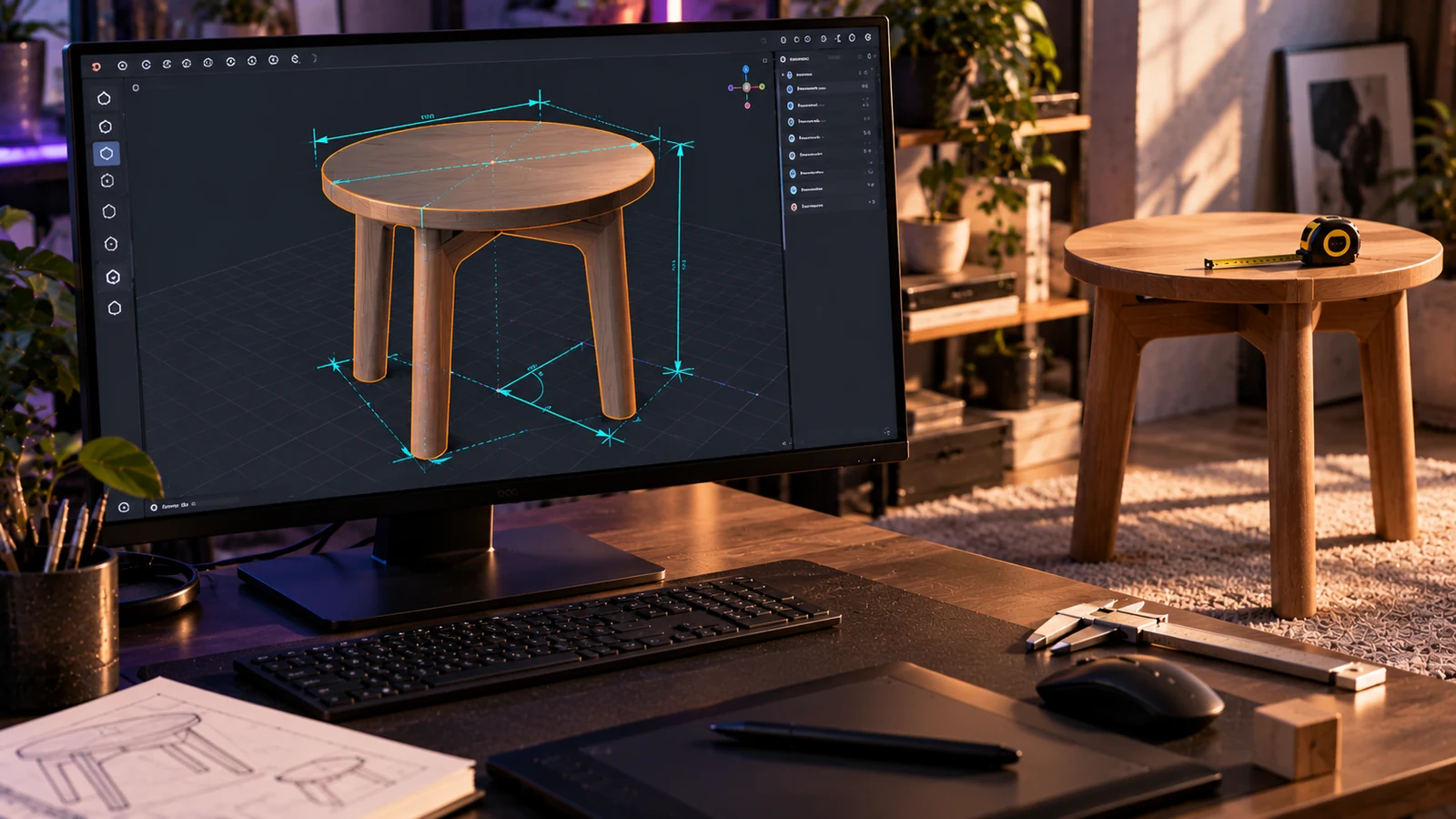
GridSnap Free lets you measure real-world dimensions, snap vertices and object origins to precise increments, and clean up irregular geometry without paying for an add-on. It is a Blender extension developed by Contrast 3D, designed for modelling tasks where visual accuracy alone is insufficient. The current free release is 1.0.1, alongside GridSnap Pro 2.1.6, as detailed in the official GridSnap documentation.
What exactly does GridSnap Free include?
The free edition covers three particularly useful parts of a precision modelling workflow: measurement, positioning and geometry cleanup.
Measure can calculate distances, angles, radii, arcs and polyline lengths. Results appear in the viewport and can be copied to the clipboard.
Measurements follow the scene's length units and Unit Scale. This is especially useful for small components modelled in millimetres, where having to convert values manually would interrupt the workflow.
Snap to Grid positions selected vertices and object origins on defined increments. You can use preset grid steps or enter a custom value, snap along all axes or restrict movement to X, Y or Z.
Both World and Local coordinate spaces are supported, making the tool useful for objects that have already been rotated.
For geometry cleanup, Vertex Cleanup provides Flatten X/Y/Z and Straighten Vertices. The free package also includes Align Rotation to World, Apply Scale and all four viewport overlay styles.
The available operations are listed in the GridSnap feature documentation.
Four practical tasks you can complete with the free edition
1. Checking dimensions before 3D printing
Suppose you have modelled an enclosure that needs to fit around another component.
Select the relevant vertices and use Measure to check the distance between them. With the scene configured in millimetres, you can compare the displayed measurement directly against your intended dimensions.
This is a useful dimensional check before exporting, although it does not replace checking tolerances, wall thicknesses or printing requirements.
2. Preparing a product for a web configurator
A collection of products displayed in the same interactive viewer needs consistent real-world scaling.
Measure helps you verify the model dimensions. Apply Scale normalises object scale while preserving its visible size, and Snap to Grid helps position object origins at defined increments.
These steps make it easier to prepare predictable assets for a wider production pipeline.
Our article on preparing one GLB for four delivery channels explores why asset organisation should be considered before the final export.
3. Aligning architectural geometry
Imagine several wall sections with vertices that are slightly out of alignment.
Set an appropriate grid increment and use Snap to Grid on the required axis. Choose World space for global alignment or Local space when the component has its own orientation.
Align Rotation to World is also available when you need to restore an object's rotation relative to the world axes.
This gives you a repeatable operation rather than relying on manually dragging vertices into position.
4. Flattening an uneven surface
Hard-surface models can contain faces that appear flat but have vertices sitting on different coordinates.
Select the affected vertices and use Flatten X, Y or Z, depending on the plane you need.
If a row of vertices should form a straight line, Straighten Vertices provides a separate cleanup operation.
These tools are useful for product models, architectural elements and components intended for 3D printing. They are not a substitute for checking the complete topology, but they address common alignment problems directly.
GridSnap Free vs Pro: which features are missing?
The main differences concern saved measurements, advanced geometry operations and technical output.
| Feature | GridSnap Free 1.0.1 | GridSnap Pro 2.1.6 |
|---|---|---|
| Distance, angle, radius, arc and polyline measurements | Yes | Yes |
| Real-world units and Unit Scale support | Yes | Yes |
| Copy measurements to clipboard | Yes | Yes |
| Snap to Grid and Snap Object Origin | Yes | Yes |
| Flatten and Straighten Vertices | Yes | Yes |
| Align Rotation to World and Apply Scale | Yes | Yes |
| Four viewport overlay styles | Yes | Yes |
| Snap to Surface with preview | No | Yes |
| Objects/Group to Active | No | Yes |
| Saved, Live and locked dimensions | No | Yes |
| CSV/JSON export | No | Yes |
| Dimensioned SVG drawings | No | Yes |
| Arc, circle and corner correction | No | Yes |
| Shape Quality tools | No | Yes |
| Parametric resizing | No | Yes |
The Pro-only panels remain visible in GridSnap Free, but their controls are locked behind a Get GridSnap Pro button.
This comparison reflects the documented features of the stated releases. The technical documentation provides the full breakdown.
How do you install GridSnap Free?
Installation requires no account, licence key or online activation.
1. Download GridSnap Free 1.0.1.
2. In Blender, open Edit → Preferences → Add-ons.
3. Open the installation menu and choose Install from Disk.
4. Select the downloaded ZIP file without extracting it.
5. Enable the extension if Blender has not already done so.
6. Open the 3D Viewport, press N and select the GridSnap Free tab.
The package uses Blender's extension format, including blender_manifest.toml.
It requires Blender 4.2 or newer and has been verified with Blender 4.5 and 5.2. Those are the tested releases, rather than a claim that every intermediate version has been checked.
The free extension only requests clipboard permission and does not connect to the internet. It can also be installed alongside GridSnap Pro.
GridSnap is distributed under the GPL-3.0-or-later licence.
When is GridSnap Pro worth paying for?
For routine measurement and grid alignment, the free edition may already provide everything your workflow requires.
Pro becomes more relevant when measurements need to remain attached to geometry. Its Saved Dimensions system can retain readings, update them through Live mode and lock dimensions when required.
It also adds surface snapping with a preview, specialist tools for correcting arcs, circles and corners, parametric resizing and the ability to export CSV, JSON or dimensioned SVG drawings.
GridSnap Pro is available through Superhive without a licence key, or Gumroad with a key allowing 2 activations. The available editions can be found in the store.
It is also worth keeping dimensional precision separate from performance optimisation. Our article on why there is no universal polygon budget explains why the appropriate geometry depends on how the asset will be used.
What should you decide this week?
Install GridSnap Free and test it on an actual production asset. Measure a component, snap an origin and flatten an uneven surface. Keep the free edition if it covers those tasks; consider Pro when you need persistent measurements or technical exports. If you are building a product visualisation pipeline or interactive configurator, tell us what you need to integrate so we can assess the production requirements.
Sources
Checked on October 25, 2026